
At Automation Smart Hub, our goal is to help users understand and set up smart home devices more easily. Smart home technology allows different devices in your home to work together so you can control lighting, temperature, and entertainment systems from a single interface.
This website provides information and guidance related to the installation and configuration of commonly used smart home devices.
Smart Home Setup Overview
Smart home systems allow homeowners to connect and manage devices such as lights, thermostats, speakers, and other connected equipment.
These systems may be controlled through:
Mobile applications
Voice assistants
Centralized smart home hubs
Remote internet access
When configured correctly, smart devices can make everyday home functions easier to manage.
Basic installation and configuration of compatible smart home devices can help ensure that they communicate correctly with the home network and with each other.
Many smart home devices can be controlled through voice commands using compatible voice assistants. Proper configuration helps ensure the devices respond correctly and remain connected to the network.
Connected lighting systems and smart thermostats allow users to automate schedules, adjust settings remotely, and manage energy usage more efficiently.
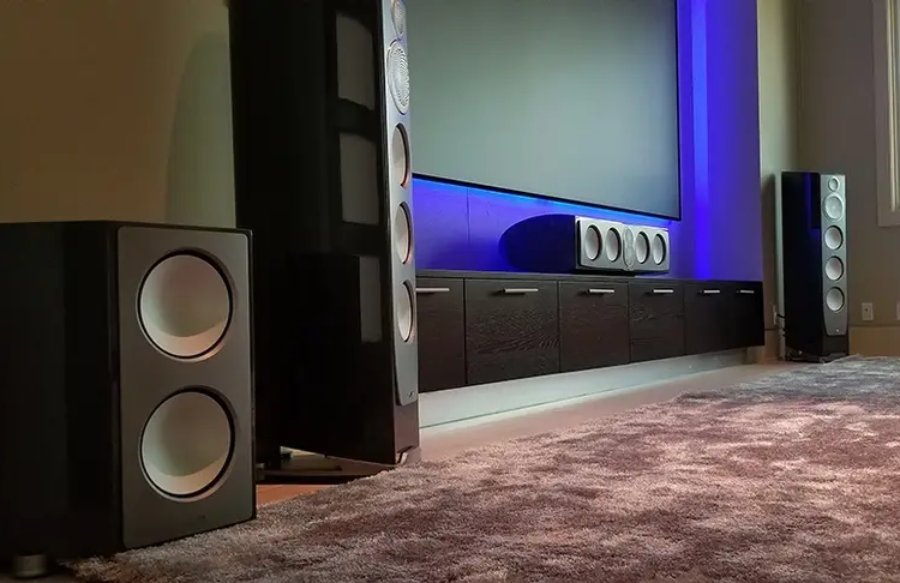
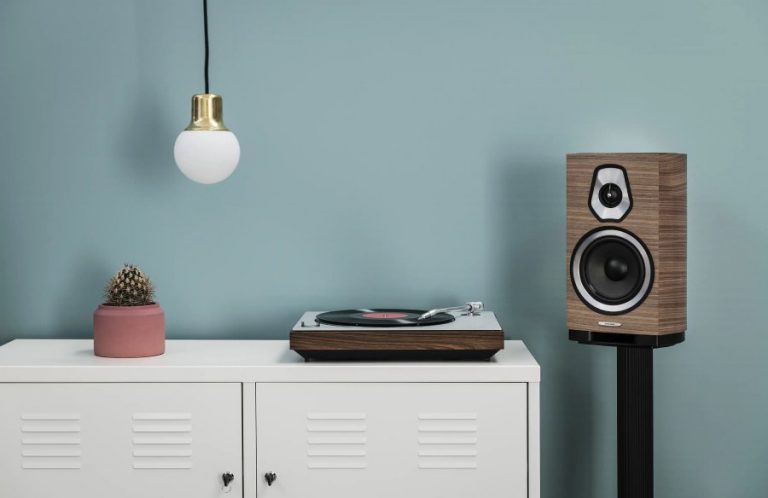
Some smart home systems include connected speakers or media devices that allow users to stream music or control entertainment systems through a central application.
If smart devices stop responding or lose connection, reviewing configuration settings, network connectivity, and firmware updates may help restore functionality.
Smart home installation generally follows these steps:
1. Device Selection
Choose compatible smart devices for your home network.
2. Installation
Devices are installed and connected to power and the local WiFi network.
3. Configuration
Setup is completed using a mobile app or web interface.
4. Testing
Devices are tested to confirm connectivity and correct operation.
Smart home setups may provide benefits such as:
Remote device control
Scheduled automation of lights or temperature
Centralized device management
Integration with voice assistants
Convenience for daily home tasks
The overall experience depends on proper device compatibility and network configuration.
When installing connected devices in a home network, it is helpful to follow basic security practices:
Use strong and unique passwords for devices and accounts
Keep device firmware and mobile apps updated
Enable two-factor authentication where available
Limit unnecessary microphone or camera access
Review privacy settings within device applications
Maintaining secure settings helps reduce potential security risks.
We provide professional smart home automation installation, device setup, and configuration services for residential customers.
Most modern smart home systems use secure wireless technology, allowing clean and non-invasive installation.
Yes. Many systems allow secure remote access via mobile applications.
Yes. We offer assistance and troubleshooting after setup.
Absolutely. Smart home systems are modular and scalable.
This website provides independent informational content related to smart home technology and device setup.
We are not affiliated with or endorsed by any smart device manufacturer,
All trademarks, brand names, and product logos mentioned on this website belong to their respective owners and are used solely for identification purposes.
© 2026 Automation Smarthub All rights reserved.